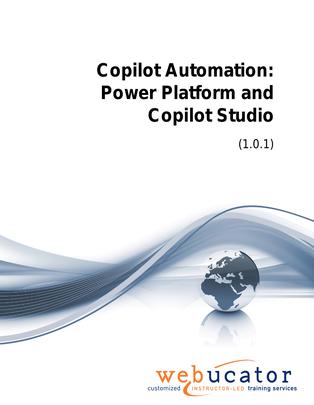
Copilot Automation: Power Platform and Copilot Studio Courseware (COP-AGT-50)
This course is designed for professionals who want to prepare their Microsoft 365 environment and use Copilot capabilities across the Power Platform to improve productivity, automate processes, and create intelligent business solutions. Learners will explore how to get information, users, and data ready for Microsoft 365 Copilot, with practical guidance on readiness requirements and data preparation.
The course also introduces how Copilot can support work in Power Automate, Power BI, and Power Pages before moving into Copilot Studio for building and managing custom agents. Through hands-on exercises, learners will practice using Copilot to build a flow, create a new agent, test it, publish it through channels, and maintain it over time.
Benefits
- Understand how to prepare information, users, and data for Microsoft 365 Copilot adoption.
- Review end user requirements that support a successful Copilot experience.
- Explore how Copilot assistance can enhance productivity across the Power Platform.
- Use Copilot in Power Automate to help create and streamline automated flows.
- Identify how Copilot supports work in Power BI and Power Pages.
- Practice preparing data and building a flow through guided hands-on exercises.
- Understand the role of Copilot Studio in creating custom agents for business scenarios.
- Create, test, publish, and maintain an agent in Copilot Studio.
- Apply practical skills for extending Copilot experiences across channels and workflows.
Outline
- Getting ready for Microsoft 365 Copilot
- Getting your information ready
- End user requirements
- Getting your data ready
- Leveraging Copilot in the Power Platform
- Power Platform
- Using Copilot assistance
- Power Automate
- Power BI
- Power Page
- Use Copilot to build a flow
- Copilot Studio
- Role of Copilot Studio
- Creating a new agent
- Testing your agent
- Channels and Publishing
- Maintaining an agent
- Create an agent
Required Prerequisites
None
License
Length: 3 hours | $15.00 per copy
What is Included?
- Student Manual
- Student Class Files
- PowerPoint Presentation