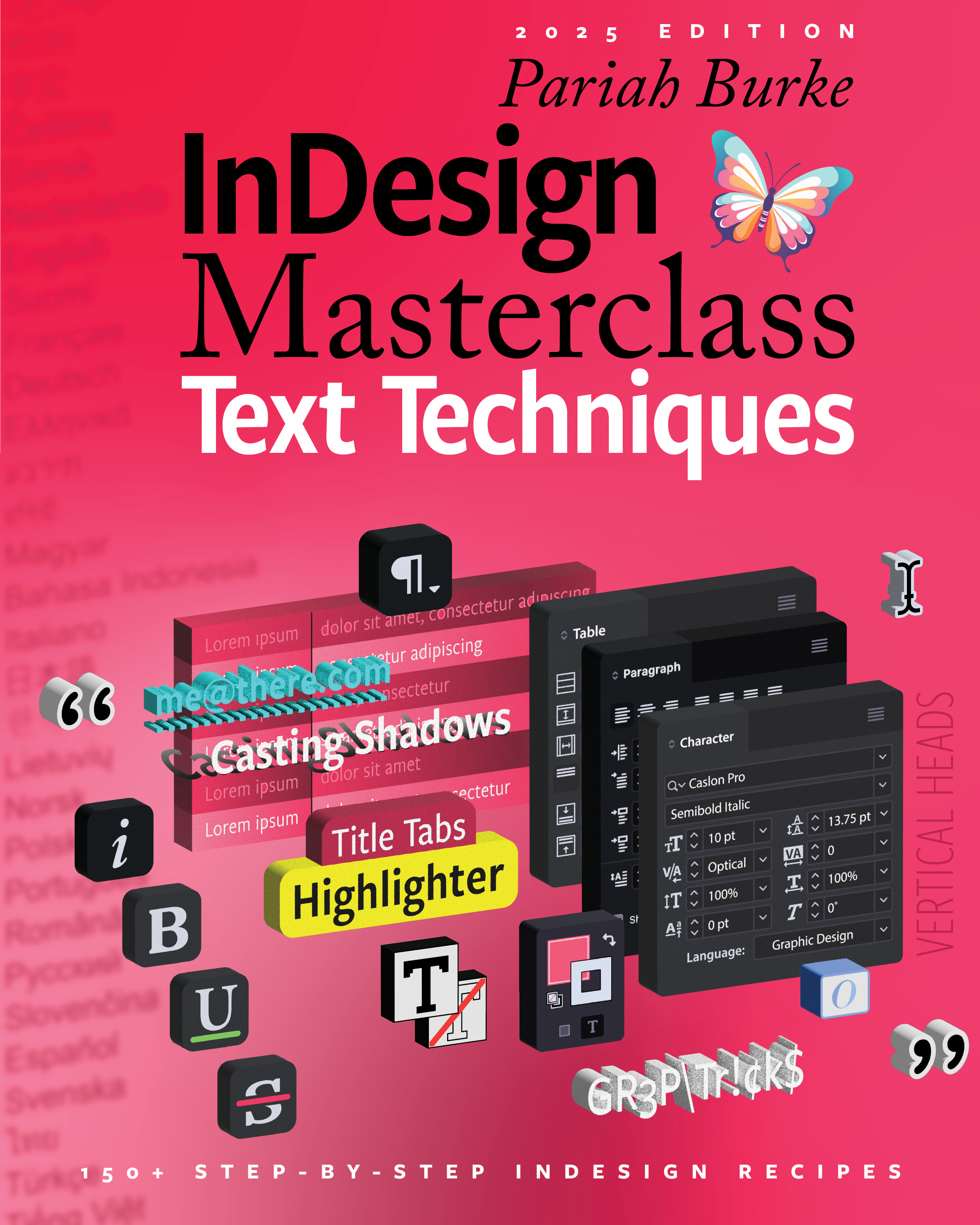
InDesign Masterclass: Text Techniques: 150 Step-by-Step InDesign Recipes Courseware (BUR-IND150)
Unlock the power of InDesign with Pariah Burke’s InDesign Masterclass: Text Techniques—a treasure trove of 150+ step-by-step tutorials and advanced techniques. Transform how you handle text, characters, paragraphs, tables, and more in InDesign.
From essential workflows to show-stopping visual effects, Text Techniques gives you the tools to elevate every project. Whether you’re an InDesign novice or a seasoned designer, you’ll find techniques to improve efficiency, automate processes, and add unique stylistic touches to your documents.
Inside You’ll Discover:
- Recipes for text effects like character and paragraph stylization, custom tab and leader designs, and advanced table formatting.
- Practical tricks to streamline your work, from automatic numbering and GREP styles to unique cast shadow effects and side-head setups.
- Advanced table formatting techniques, including alternating fills, header rows that change between pages, and innovative cell shapes.
- Expert-level tips to make every aspect of your text work shine, from consistent brand styling to dynamic text designs.
Put these powerful recipes to work and watch your projects reach new heights!
Benefits
- Ready-to-teach material: Use 150 step-by-step tutorials as classroom lessons, demonstrations, hands-on exercises, or student assignments.
- Flexible course use:Teach it as a standalone InDesign text-techniques class or incorporate individual lessons into beginner, intermediate, or advanced InDesign courses.
- More engaging InDesign training: Turn otherwise dry text-formatting lessons into practical, visual, hands-on techniques students can immediately use.
- Less course-development time: Build lessons, labs, workshops, and add-on modules from proven material instead of creating every example from scratch.
- Useful for multiple skill levels: Choose simpler tutorials for newer users and more advanced techniques for experienced designers, production artists, and publishing teams.
- Stronger student takeaways:Students leave with practical, job-relevant skills for formatting text, improving consistency, speeding up production, and creating more exciting InDesign documents.
- New revenue opportunities: Use the material to create specialty workshops, “beyond the basics” classes, private team training, or premium advanced InDesign offerings.
Teaching This Course
The publisher has provided details here on how to teach this InDesign Masterclass: Text Techniques: 150 Step-by-Step InDesign Recipes course.
Outline
- Chapter 1: Character Recipes
- Highlight Text at the Character Level
- Highlighter Colors
- Round End Text Highlighter
- Automatic Hyperlink Character Style
- Better Hyperlink Underlining
- Anti-Collision Hyperlink Underlining
- Differentiate Kinds of Hyperlinks
- Hyperlink to an Email Address
- Hyperlink to a Phone Number
- Hyperlink to Send a Text Message
- Hyperlink to Anywhere
- Overscoring
- Redacted Text Effect
- Botched Faux Redacted Text
- Slash by Hash (Underline) Faux Redaction
- Multi-line (Strikethrough) Faux Redaction
- Red Diamond (Strikethrough) Faux Redaction
- Whiteout (Strikethrough) Faux Redaction
- Blackish (Underline) Faux Redaction
- Chapter 2: Paragraph Recipes
- Reversed, or Negative, Titles
- Reversed Titles without Shading
- Paragraph (Faux) Redacting
- Paragraph Highlighting
- Dyslexic-Friendly, Readability-Enhancing
Paragraph Highlighting - Cast Shadows
- Cast Shadows Forward
- Dynamic Text Cast Shadows
- Cast Multiple Shadows
- Vertical Side Heads with Tables
- Vertical Side Heads without Tables
- Vertical Threaded Side Heads
- Get a List of Only Your Story’s Headings
- Add a Number Before Headings
- Add a Symbol Before Headings
- Add a Different Color Symbol Before Headings
- Create an Outline Structure from Paragraphs
- Add a Placed Image Before Headings (Manually)
- Add Different Placed Images Before Headings
- Add a Placed Image Before Headings (via JavaScript)
- Chapter 3: Heading Rules
- Simple Rule Below
- Simple Rule Above
- Short Rules Above
- Multiple Rules Above
- Multi-Colored Rules
- Boxed Paragraph
- Angled Box Paragraph
- Scalloped Box Paragraph
- Rules on Two Sides
- Rules Up to Headings
- Rules Up to Headings (Better)
- File Tab Headings
- File Tab Headings (Filled)
- File Tab Headings (Filled & Outlined)
- Filled Box with Floating Title 1
- Filled Box with Floating Title 2
- Sci-Fi Code Display
- Outdent Headings 1 (a.k.a. Hanging Heads)
- Outdent Headings 2
- Outdent Headings 3
- Hanging Drop Caps 1
- Hanging Drop Caps 2
- Layering Drop Caps, Nested Style, and Nested Line Style
- Alternating Paragraph Formatting
- Paragraph Alternating Line Formatting
- Locate Used Paragraph Styles
- Chapter 4: GREP Recipes
- Format Figure and Table References
- (Subtly) Callout Out a Brand Name Automatically
- Call Out Many Names & Terms
- Creating a Case-Insensitive GREP Style
- Automatically Small Cap Acronyms & Abbreviations
- Apply Highlight or Redaction Automatically
- Apply OpenType Fractions to All Typed Fractions
- Ignore Everything Before
- Styling Words That May Have Diacritics
- Removing Runts and Short Ends of Paragraphs
- Highlighting Consecutive Paragraph Returns
- Automatically Formatting Quotation Marks
- Formatting Email Addresses
- Formatting Web URLs
- Formatting Dates and Times
- Chapter 5: Tab Recipes
- Equal Width Spacing without Tabs
- Create Many Tab Stops in Two Clicks
- Striped Tab-Separated Lists
- Align On Decimals, Even When They’re Missing
- Loose Tab Dot Leaders
- Looser Tab Dot Leaders
- Better Loose Tab Dot Leaders
- Smaller Tab Dot Leader Dots
- Non-Round Tab Dot Leader Dots
- Automatically Format Tabs
- Make Underscores with Tabs 1
- Make Underscores with Tabs 2
- Dash Leaders the Right Way
- Colored Leaders
- Faded Leaders
- Radial Gradient Leaders
- Double-Up Gradient Leaders
- Want Perfect Right-Aligned Tabs?
Then Don’t Use Tabs
- Chapter 6: Table Recipes
- Format an Entire Table in One Click
- Different Header Row(s) on the First Page of a Table
- Create Alternating Row Fills
- Starting Alternating Row Fills with an Empty Fill
- Stroking or Filling All Rows, Columns, or Cells
- Add Row Headers
- Add a Total Column
- Elegant Monochrome Tables
- Transparency in Table Row Fills 1
- Transparency in Table Row Fills 2
- Transparency in Table Row Fills 3
- Gradient-Filled Table
- Rounded Corner Table
- Rounded Corner Table Cells
- Tabbed Comparison Table
- Complex Non-Rectangular Tables
- Round Table Cells
- Triangular Table Cells
- Triangular Table Cells with Text
- Rounded Ends of Rows
- Chapter 7: Document Recipes
- Modifying InDesign Defaults
- Make Italic, Bold, and More Character Styles
Automatically Available in Every New Document - Import and Export User Settings
- InDesign in Your Pocket
- Resetting Preferences
- See and Count How Many Lines and Words are Overset
- Just Count How Many Lines and Word are Overset
- Prevent Hyphenation of Everyone’s Name
- Adding “Don’t Hyphenate” to a List in Batch (in InDesign or InCopy)
- Adding “Don’t Hyphenate” to a List in Batch (in Microsoft Word)
- Adding “Don’t Hyphenate” to a List in Batch (in Excel)
- Making User Dictionaries Travel with Documents
- Automatically Format Text as Text Frames are Created
- Fix Hyphenation on All Compound Words
- Sort a Comma-Separated List
- Automatically Restart Numbered Lists
- Insert Final Page Number
- Insert Text Variable with Keyboard Shortcut
- Conditional Images and Objects
- Condition Assignment by Language
- Language Assignment by Condition
- Condition by Price
- Fill Type with Imagery
- Fill Type with Type
- Fill Every Character of Type
- Fill Type Counters
- Blur Text in InDesign
- Two-Click Formatting of an Entire Document
Required Prerequisites
Basic knowledge of Adobe InDesign. The techniques in this course can be taught on its own or as part of any level of InDesign class.
License
Length: 1 day | $20.00 per copy
What is Included?
- Student Manual