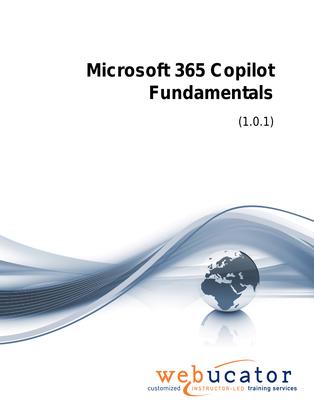
Microsoft 365 Copilot Fundamentals Courseware (COP-FND-50)
This course introduces learners to the fundamentals of Microsoft 365 Copilot, including core AI concepts, how Copilot works, and how to create effective prompts for common workplace tasks. Designed for business users, team members, and professionals preparing to use Copilot, the course provides a practical foundation for understanding how Copilot can support productivity across Microsoft 365.
Learners will also explore how to prepare information, users, and data for Microsoft 365 Copilot, then apply Copilot capabilities in Microsoft 365 apps and Copilot Chat. Through hands-on exercises, participants will practice writing prompts, preparing data, and exploring Copilot experiences across the Microsoft 365 environment.
Benefits
- Understand the basic concepts of AI and how they relate to Microsoft Copilot.
- Explore Microsoft Copilot and its role in supporting everyday workplace productivity.
- Create effective prompts that help Copilot produce useful, relevant responses.
- Review how to prepare information and data for Microsoft 365 Copilot.
- Understand end user requirements that support a successful Copilot experience.
- Practice creating prompts and preparing data through guided hands-on exercises.
- Use Copilot Chat to ask questions, generate content, and support daily work.
- Explore Copilot capabilities within Microsoft 365 apps.
- Apply practical Copilot skills to improve efficiency across common Microsoft 365 workflows.
Outline
- An introduction to Copilot
- What is AI
- Introducing Microsoft Copilot
- Exploring Copilot
- Creating prompts in Copilot
- Getting ready for Microsoft 365 Copilot
- Getting your information ready
- End user requirements
- Getting your data ready
- Using Copilot with Microsoft 365 apps
- Copilot Chat
- Copilot in Microsoft 365 apps
- Explore Copilot in Microsoft 365
Required Prerequisites
None
License
Length: 3 hours | $15.00 per copy
What is Included?
- Student Manual
- Student Class Files
- PowerPoint Presentation