Microsoft 365 Copilot Super User Courseware (55485CK)
This course is designed for business professionals, knowledge workers, managers, and support staff who have little to no experience with Microsoft Copilot and want a clear, practical introduction to using AI within Microsoft 365. It assumes no prior background with Copilot and begins with foundational concepts, including what AI is, how Microsoft Copilot works, and how to write effective prompts. Participants are guided through preparing their information and environment so they can use Copilot responsibly and effectively within their organization.
By the end of the course, students will understand how to use Copilot confidently across Word, PowerPoint, Excel, OneNote, Outlook, Teams, and Loop to draft documents, generate presentations, analyze and structure data, summarize meetings, manage email, and collaborate more efficiently. They will also gain introductory experience using Copilot in the Power Platform and Copilot Studio to build simple automations and create basic agents. Through guided instruction and hands on exercises, participants will develop practical, job ready skills that enable them to integrate Copilot into everyday workflows and immediately improve productivity and quality of work.
Copilot and 365 Licenses are provided in the associated lab.
Benefits
- Understand the benefits of AI in the workplace
- Use Copilot chat to speed up common tasks
- Explore and leverage Copilot experiences in Word, Excel, OneNote, Outlook and PowerPoint
- Discover the value of Copilot for meetings in Microsoft Teams
- Review the support Copilot offers Power Platform users in Power Apps, Power Automate, Power BI and Power Pages
- Create your own Copilot experiences by learning about Copilot Studio
- Get the return on investment from Copilot by fully understanding its capabilities
Full Lab Environment Add-On
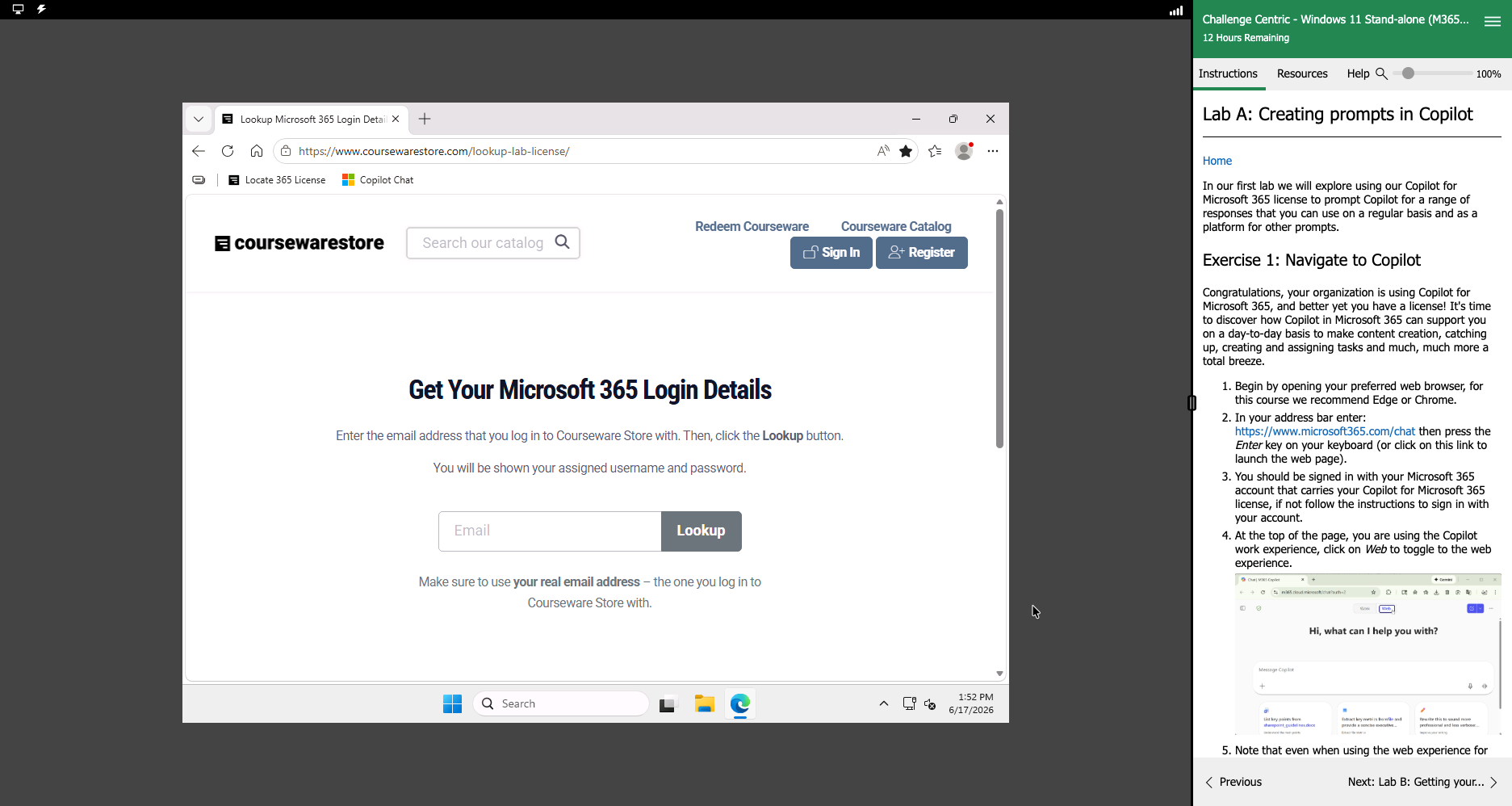
Enhance and simplify your classes by providing an unparalleled learning platform that requires no setup. Your trainers and students can dive straight into a fully-prepared lab environment with just a click. This seamless integration means no time wasted on installations or configurations, allowing trainers and students to focus solely on the task at hand. The lab comes pre-loaded with all the necessary tools and resources, ensuring a smooth, hassle-free learning experience.
Outline
- An introduction to Copilot
- What is AI
- Introducing Microsoft Copilot
- Exploring Copilot
- Creating prompts in Copilot (Lab)
- Getting ready for Microsoft 365 Copilot
- Getting your information ready
- End user requirements
- Getting your data ready (Lab)
- Using Copilot with Microsoft 365 apps
- Copilot Chat
- Copilot in Microsoft 365 apps
- Explore Copilot in Microsoft 365 (Lab)
- Using Copilot in Microsoft Word
- Copilot in Microsoft 365 Word
- Highlighting Existing Text
- Copilot Sidecar
- Temporary Chat
- Practical ways to use Copilot
- Explore Copilot in Microsoft Word 365 (Lab)
- Using Copilot in Microsoft PowerPoint
- Copilot in Microsoft 365 PowerPoint
- Creating New Presentation
- Creating New Slides
- Summarizing Large Amounts of Content
- Branding a Deck
- Explore Copilot in Microsoft PowerPoint 365 (Lab)
- Using Copilot in Microsoft Excel
- Copilot in Microsoft 365 Excel
- Creating Columns
- Analyzing Your Data
- Importing and Framing Data
- Explore Copilot in Microsoft Excel 365 (Lab)
- Using Copilot in Microsoft OneNote
- Copilot in Microsoft 365 OneNote
- Insights and Actions
- Explore Copilot in Microsoft OneNote 365 (Lab)
- Using Copilot in Microsoft Outlook
- Copilot in Microsoft 365 Outlook
- Emails
- Meetings
- Explore Copilot in Microsoft Outlook 365 (Lab)
- Using Copilot in Microsoft Teams
- Copilot in Teams
- Chats and Channels
- Copilot in Teams apps
- Microsoft Whiteboard
- Microsoft Forms
- Using Copilot in Microsoft Teams (Lab)
- Using Copilot with Loop
- Copilot in Loop
- Draft Page Content
- Using Copilot in Loop (Lab)
- Using Copilot in OneDrive
- Copilot in OneDrive
- Using Copilot in OneDrive (Lab)
- Using Copilot with SharePoint
- Copilot in SharePoint
- Using Copilot in SharePoint (Lab)
- Leveraging Copilot in the Power Platform
- Power Platform
- Using Copilot assistance
- Power Automate
- Power BI
- Power Page
- Use Copilot to build a flow (Lab)
- Copilot Studio
- Role of Copilot Studio
- Creating a new agent
- Testing your agent
- Channels and Publishing
- Maintaining an agent
- Create an agent (Lab)
Required Prerequisites
None
License
Length: 2 days | $122.00 per copy
Labs: Add-on available | $40.46 per lab
View Lab Details
What is Included?
- Student Manual
- Student Class Files
- PowerPoint Presentation
- Labs (optional add-on)
